Why Should I Learn Programming?
😰
Claudia has a problem
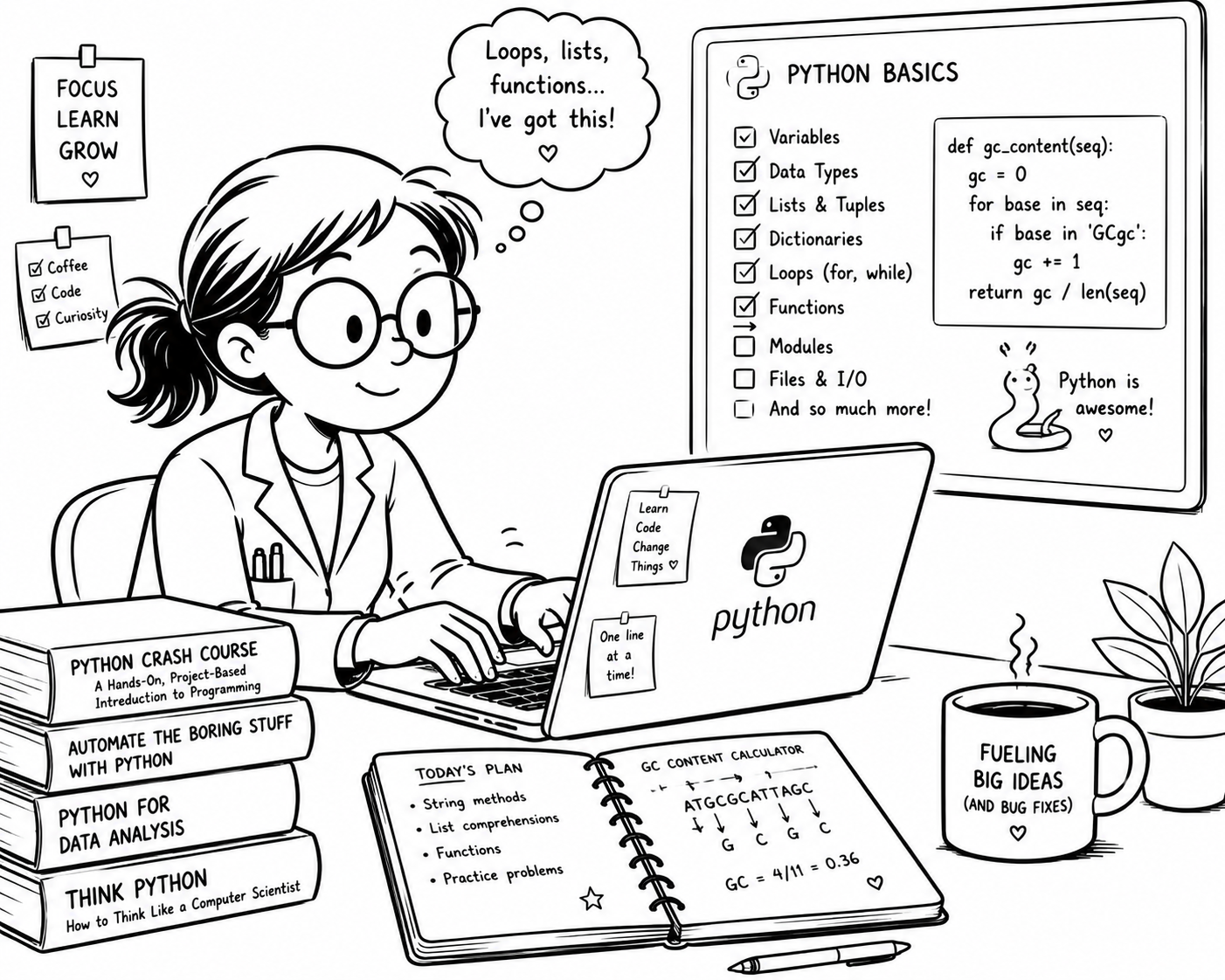
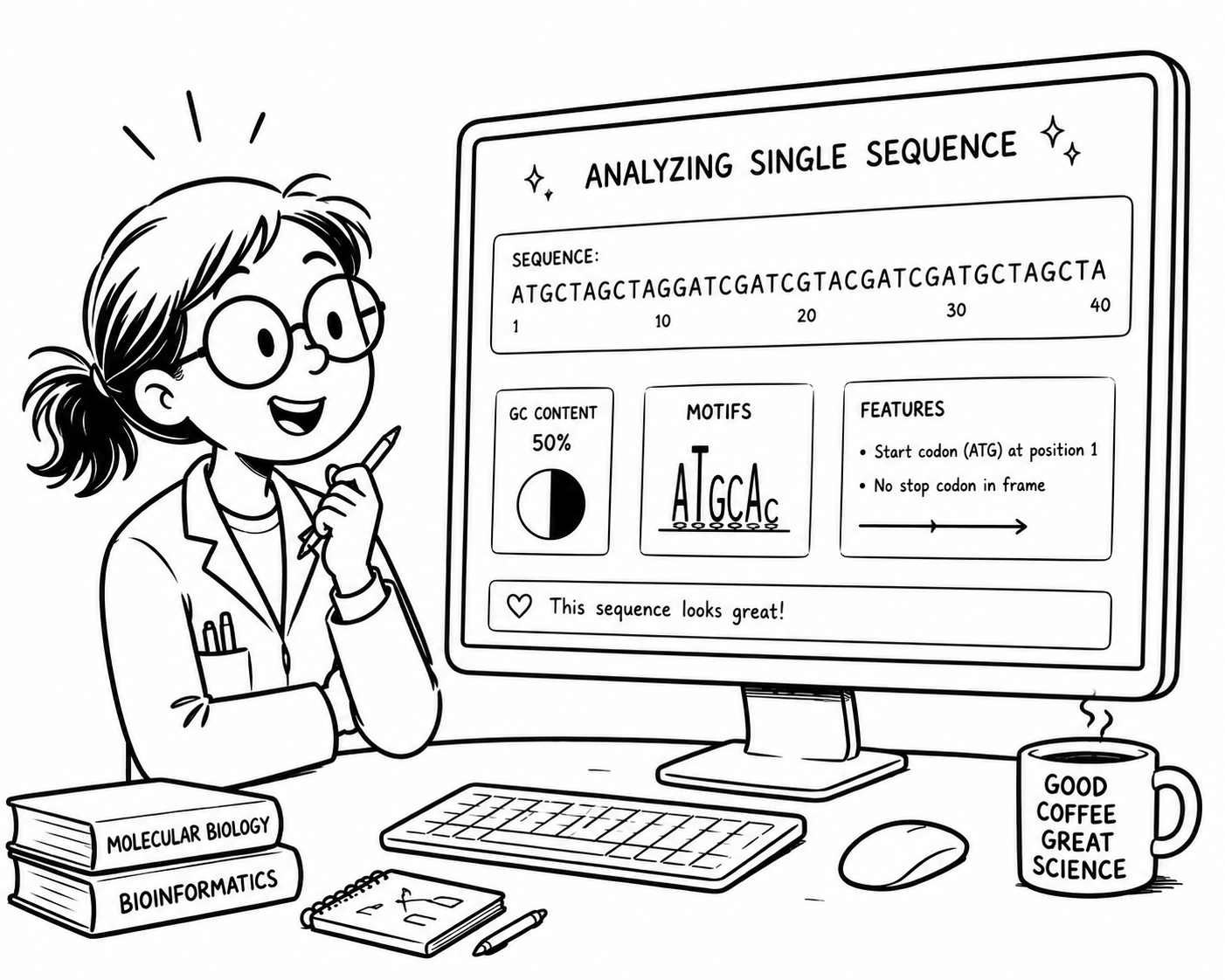
Claudia happily analysing a single sequence
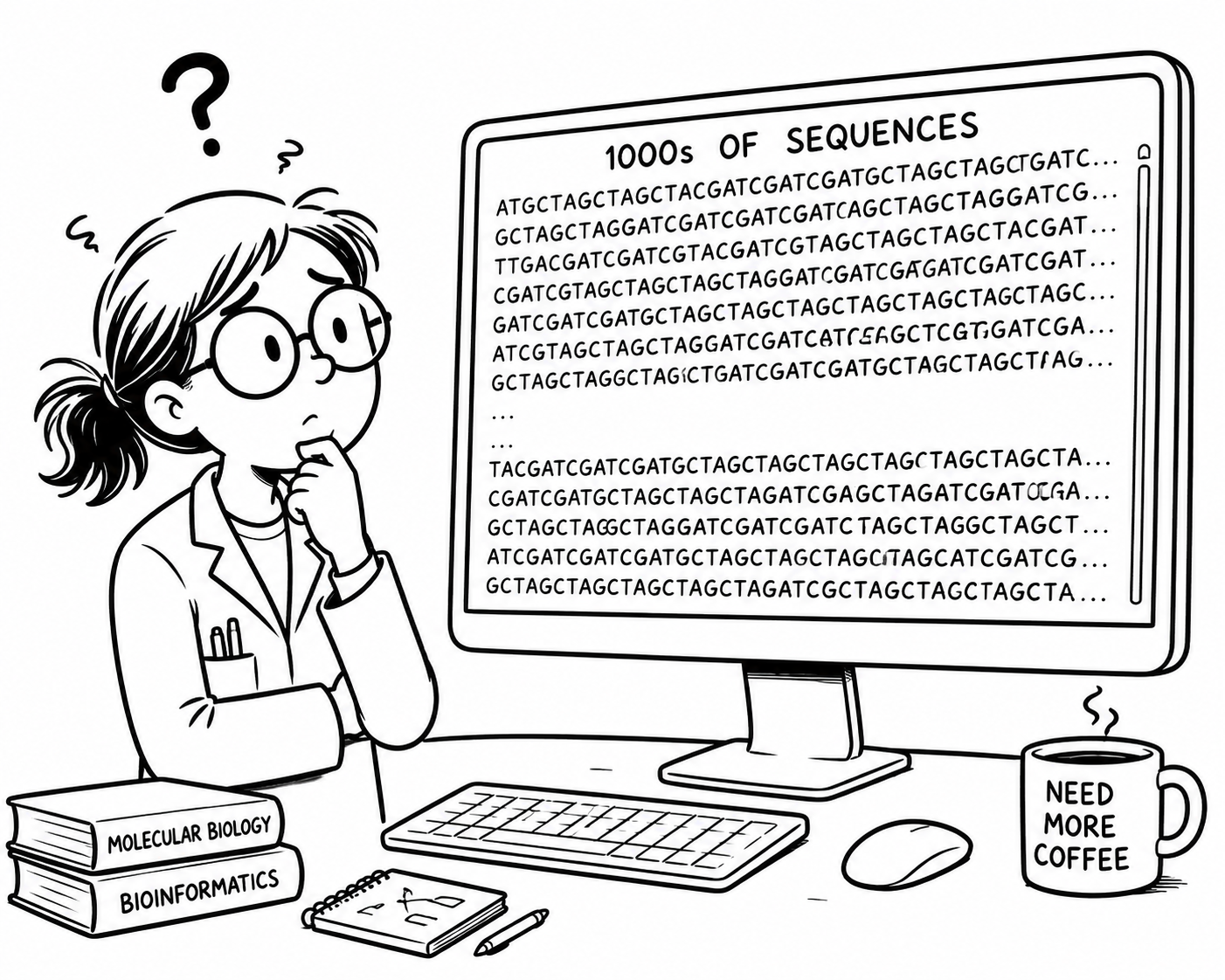
Claudia overwhelmed by 1000s of DNA sequences

She did so well analysing a sequence! Now her supervisor just handed her 10,000 DNA sequences β€” she needs ORFs, GC content and a report by Friday.

Without programming

One sequence takes ~10 minutes manually. 10,000 sequences = 69 days of non-stop work.

With a Python script

A 30-line program processes all 10,000 sequences in under a minute. Claudia spends Friday interpreting the results β€” not counting bases.

By the end of this module

You will be able to write that program β€” and adapt it to your own research questions.

Why Python?

Python is the 2nd best language for everything β€” and #1 for science.

Slower than C, but vastly easier to learn. A bigger ecosystem and more applications than R.

  • 🐍Pythonβ˜…β˜…β˜…β˜…β˜…

    ML, AI, Data Science β€” and almost everything else

  • Rβ˜…β˜…β˜…β˜…β˜…

    Statistics, niche data analysis

  • JavaScriptβ˜…β˜…β˜…β˜…β˜…

    Web development

  • Javaβ˜…β˜…β˜…β˜…β˜…

    Enterprise apps, Android

  • C / C++β˜…β˜…β˜…β˜…β˜…

    Systems, games, raw performance

πŸ₯‡
Home turf

ML, AI, Data Science. Deep learning, NLP, computer vision, bioinformatics β€” Python is the lingua franca.

🌍
Beyond data

Web, systems, biology, automation. From Instagram's backend to NASA mission scripts β€” Python turns up everywhere.

🐍The Story of Python

  1. 1989A Christmas hobby

    Guido van Rossum starts Python as a hobby project during the Christmas break at CWI in Amsterdam.

  2. 1991 – 2005The scripting era

    Python establishes itself as a simple, readable scripting language for automation and system administration.

  3. 2006 – 2011Scientific foundation

    NumPy (2006) and SciPy lay the groundwork for scientific computing. Pandas (2008) follows β€” academic researchers start to adopt Python.

  4. 2012 – 2015The breakthrough

    The data-science explosion. Jupyter notebooks and scikit-learn make Python the default in research labs.

  5. 2016 – 2020AI / ML dominance

    TensorFlow (2015) and PyTorch (2016) cement Python as the lingua franca of deep learning.

  6. 2020 – nowTotal dominance

    COVID-19 accelerates data-science adoption. Python usage nearly doubles β€” 8M+ active developers worldwide.

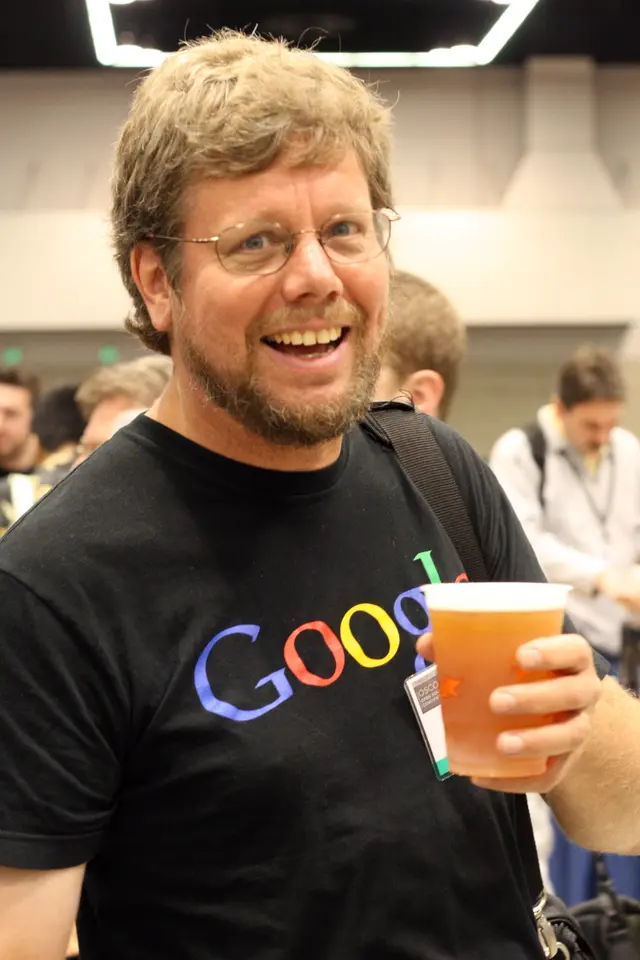
Guido van Rossum

Guido van Rossum

BDFL β€” Benevolent Dictator for Life

β€œI was looking for a hobby programming project that would keep me occupied during the week around Christmas.”

🎩Named after Monty Python's Flying Circus β€” not the snake!

β–Ά Watch the Python Documentary

How to Learn Programming

πŸ”‘
The Golden Rule

Practice writing code YOURSELF and work on YOUR OWN PROJECTS!

πŸ’ͺ

You don't get fit by watching fitness videos

🎸

You don't learn guitar by watching YouTube

πŸ’»

You don't learn coding by following a lecture

What we provide
  • βœ“Lecture slides & recordings
  • βœ“Colab lab notebooks
  • βœ“Real biological problems
  • βœ“Instructor & demonstrator support
What you must do
  • β†’Type code yourself β€” no copy-paste
  • β†’Embrace error messages
  • β†’Ask questions early
  • β†’Practise between sessions
Where this can take you
At worst

An overview of what Python does for biology β€” still worth knowing.

At best

You start coding for real β€” solving your own problems, building your own tools.

Using AI Responsibly

Generative AI tools must only be used in an assistive role in this module.

βœ…
AI as a tool
  • βœ“Explain concepts you didn't follow
  • βœ“Debug code you wrote yourself
  • βœ“Generate test data
⚠️
AI as a crutch
  • βœ—Generate code β†’ copy β†’ submit
  • βœ—Skip understanding the logic
  • βœ—Never read an error message
  • βœ—Can't write anything without it
🎯
The right workflow
  • 1Write
  • 2Test
  • 3Debug
  • 4Ask AI
  • 5Understand
  • 6Improve

See Canvas for full details of permitted use of AI for assessments.

How You'll Learn

πŸ“šLectures
1 hour per week (Weeks 1–8)

Core concepts, introduced with live coding and biological examples

πŸ’»Workshops
2 hours per week (Weeks 2–11)

You write the code; demonstrators circulate to help

πŸ› οΈProject Practical
2 hours (Week 5)

Learn about the assessed projects and get started with hands-on support

🧬Assessments
3 assessments

An in-class Python fundamentals test and two projects using real data.

✍Self-Study
4–8 hours per week

Slides, Colab notebooks, DataCamp, practice quizzes, cheat sheets

🀝Support
Unlimited

In-class, discussion board, and bookable meetings with us

Every component builds towards your final project β€” from your first variable to building a working analysis pipeline.

Weeks 1–4: Python fundamentals

Claudia learning Python β€” variables, lists, loops, functions
Claudia's journey β€” from variables to a working analysis pipeline.
1
Data Types, Variables & Operations
Calculate the GC content and length of one DNA sequence
Today
2
Strings & Data Structures
Store many sequences; find and translate codons
3
Loops & Control Flow
Process all 10,000 sequences in one go
4
Functions, Files & Error Handling
Package the pipeline into a reusable program β€” Claudia's tool

Weeks 5–8: Python for Data Science

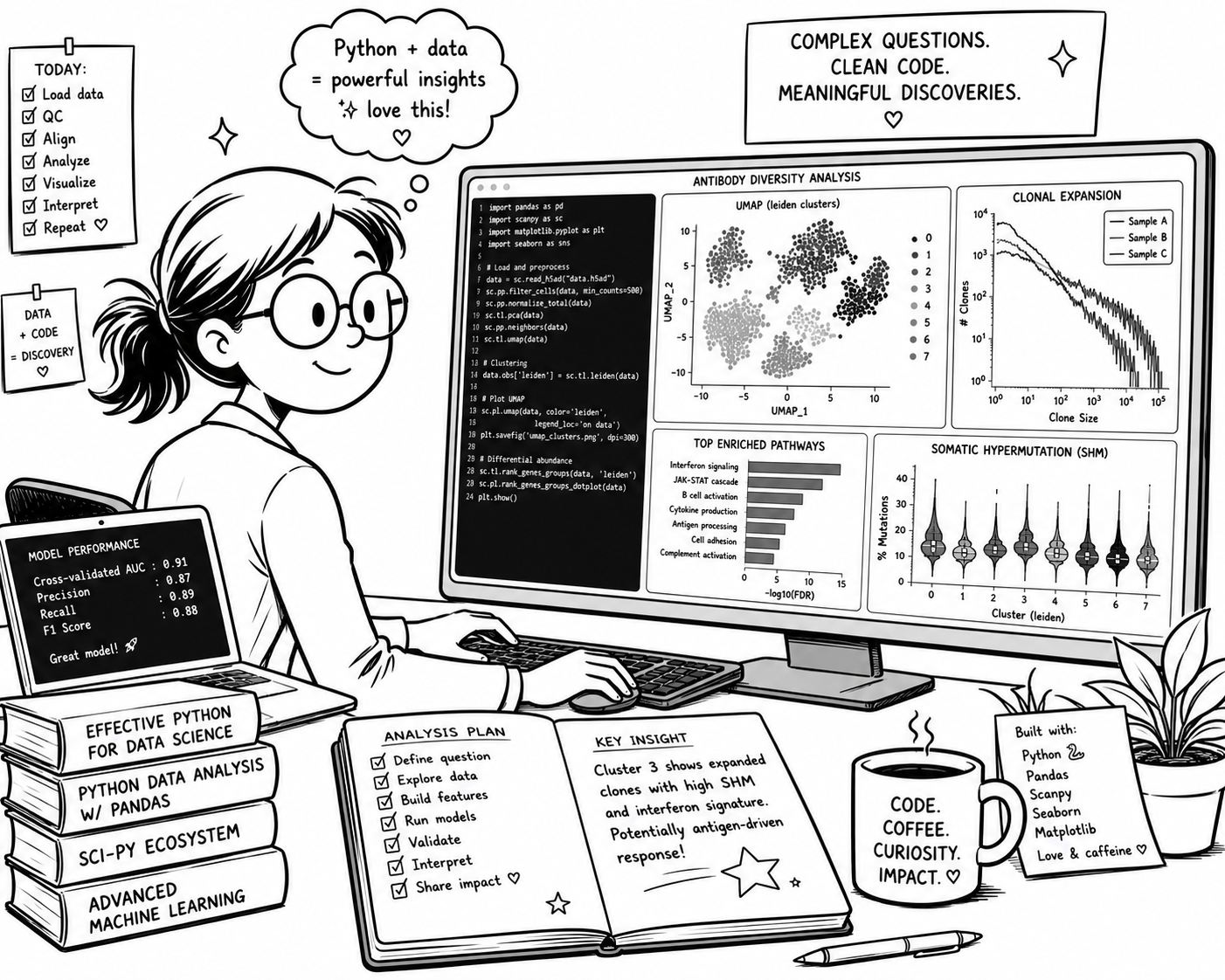
A Python-proficient Claudia analysing complex biological data
From Python basics to a working data-science toolkit.
5
NumPy & Pandas
Wrangle large biological datasets β€” gene expression matrices, clinical tables
6
Data Visualisation
Build publication-ready plots: histograms, scatterplots, heatmaps
7
Image Analysis
Segment cells from microscopy images and extract quantitative features
8
Statistics & ML
Test hypotheses and build predictive models from your data

How You'll Be Assessed

Three pieces, each building on the one before β€” nothing arrives without a run-up.

Test
15%

Week 6 Β· In-class MCQ test, 1 hour

  • Covers: Weeks 1–4 β€” base Python
  • Submission: Taken in-class (Monday Class, Week 6)
Project 1
15%

Week 7 Β· Take-home

  • Covers: Weeks 1–4 β€” base Python
  • Submission: Colab notebook + GitHub repository with your revisions

Theme: a next-generation sequencing task β€” to be confirmed.

Project 2
70%

Week 11 Β· Take-home

  • Covers: The whole module, including the packages from Weeks 5–8
  • Submission: Colab notebook + GitHub repository with your revisions

Theme: still being decided.

Full details of the projects will be covered in the Week 5 Project Practical. Projects are submitted via Canvas.

Improving this Module

πŸ’¬Last year's students said
  • β†’Lectures are too fast-paced
  • β†’We need step-by-step workshops
  • β†’Practice tasks are too difficult
  • β†’Final project is too complex
πŸ› οΈWe did
  • βœ“Slower pace β€” 8 lectures, not 5
  • βœ“Workshops split into shorter, focused tasks
  • βœ“Practice tasks build up step by step
  • βœ“Final project streamlined
✨This year's module (we hope)
  • ⭐A rounded introduction to Python for biosciences
  • ⭐Clear progression to real data analysis
  • ⭐Plenty of hands-on practice and support
πŸ“£How to give us feedback

We value your feedback and do our best to act on it!

πŸ“Š

Polls in workshops

πŸ“

End-of-term questionnaire

πŸ‘¨β€πŸ«

In person / by email

How We'll Work With Python

Three places you'll run Python on this course β€” each hands you more control and flexibility.

🌐
In the browser

Pyodide β€” Python running right on the slide. Zero install. Great for quick experiments in lectures.

⏳Python editor will load when you reach this slide.
πŸ““
Google Colab

Free cloud notebooks with the biology stack pre-installed. Run anywhere, share a link, collaborate.

  • βœ“NumPy, Pandas, Matplotlib ready to go
  • βœ“Free GPU/TPU for ML work
  • βœ“Works on any laptop / iPad
See Lab 1 β†’
πŸ’»
On your laptop

VS Code + UV β€” the real-world workflow. For when you want to write actual research code.

  • β†’VS Code β€” industry-standard editor
  • β†’uv β€” blazing-fast package manager
  • β†’Git, virtual environments, real projects
See Lab 4 β†’

Session 1 β€” What You Will Be Able To Do

By the end of today you'll have written a working GC-content calculator β€” the first step of Claudia's pipeline.

1
Write and run real Python
In the browser and in Colab notebooks
2
Work with numbers, text, and booleans
3
Store values in variables
4
Perform arithmetic and string operations
5
Display results with print() and f-strings
⏳Python editor will load when you reach this slide.

Try it now β€” edit the code and hit Run.

Variables β€” labels for your data

The = sign means assignment, not equality β€” read it as β€œput this value into this name”. Once stored, you reuse the value by its name.

⏳Python editor will load when you reach this slide.

Run it β€” nothing appears. The values are stored; showing them is the next step.

Naming Variables

Rules β€” Python enforces these
  • βœ“Start with a letter or underscore β€” not a digit
  • βœ“Letters, digits, underscores only β€” no spaces, no dashes
  • βœ“Case-sensitive: gene β‰  Gene β‰  GENE
  • βœ“Avoid Python words: list, str, print, sum…
Conventions β€” we follow these by choice
  • β†’snake_case: gc_content, sequence_length
  • β†’Be descriptive: sequence_length beats sl
  • β†’Lowercase by convention β€” UPPERCASE is for constants

print() β€” see your data

Hand any value to print() and Python displays it. Pass several values separated by commas and it prints them on one line, with spaces in between.

This is how you check a variable holds what you expect.

⏳Python editor will load when you reach this slide.

Run it, then try printing your own values:

f-strings β€” variables inside text

Prefix a string with f and wrap any variable name in { } β€” the value is swapped in, with the spacing exactly as you typed it.

⏳Python editor will load when you reach this slide.

f-strings are straightforward, versatile, and easy to understand.

Built-in Functions

A built-in function works out of the box β€” no import needed. The pattern is always the same: function(value).

Function
What it does
print(x)
Display a value
len(x)
Length of a string (or list β€” coming later)
type(x)
What kind of value is this?
int(x)
Convert to integer (whole number)
float(x)
Convert to floating-point (decimal)
str(x)
Convert to string (text)
round(x, n)
Round to n decimal places
⏳Python editor will load when you reach this slide.

Forgotten what one does? Pass it to help() and Python prints the official documentation β€” for any function. Try round(2.5) too: Python rounds half to even, so the answer is 2, not 3.

Errors Are Normal

When Python hits something it can't do, it stops and prints a traceback.

Don't panic β€” read the last line. It names the error type and tells you exactly what went wrong. Every programmer reads these all day long.

⏳Python editor will load when you reach this slide.

Run your code β€” did you get an error? Read the last line of the traceback for the error type. Above that, Python tells you exactly which line the error occurred on.

Three Errors You'll Meet Constantly

SyntaxError

The code is written wrongly β€” a missing quote, bracket or colon.

print("hi"

Count your brackets and quotes.

NameError

You used a name Python has never seen β€” usually a typo or a missing assignment.

print(squence)

Check the spelling matches where you defined it.

TypeError

You asked for something the value can’t do β€” like adding text to a number.

"ATG" + 5

Convert first: "ATG" + str(5).

Try it Yourself β€” Fix the errors

Three bugs stand between this script and a clean gene report.

1
Run it
Read the FIRST error message
2
Fix one bug
Then run again
3
Repeat
Until you get the clean report below

Fix one bug at a time and re-run. The error message moves as you go β€” that's progress, not a new problem.

⏳Python editor will load when you reach this slide.

The Four Core Data Types

πŸ”€
str
String β€” text
"ATGCGT"

Sequences, names, IDs

πŸ”’
int
Integer β€” whole numbers
16

Counts: bases, codons, samples

πŸ“Š
float
Floating-point β€” decimals
0.5625

Fractions, concentrations, p-values

βœ…
bool
Boolean β€” True / False
True

Yes/no answers: is_coding, passes_qc

type() β€” ask Python what it is

Pass any value to type() and Python reports its type. The classic trap: "16" (a string) is not 16 (an integer) β€” and you can't do maths on text.

⏳Python editor will load when you reach this slide.

Run it β€” then try 9 / 16 vs 16 > 0:

Arithmetic Operators

Integers and Floats work with mathematical operators, either directly or when assigned to a variable

Operator
Does
Example
+
add
3 + 2 β†’ 5
-
subtract
10 - 4 β†’ 6
*
multiply
6 * 7 β†’ 42
/
divide
9 / 4 β†’ 2.25
⏳Python editor will load when you reach this slide.

This is the first half of the GC calculation we'll finish in a moment.

Division & Decimals

/ always gives back a float

Even when the numbers divide evenly. That decimal point is Python keeping your fractions accurate β€” exactly what GC content needs.

9 / 3       # 3.0   (a float, not 3!)

gc_count = 9
length   = 16
gc_frac  = gc_count / length    # 0.5625
round() β€” tidy the decimal for reporting

A fraction like 0.5625 becomes a friendlier percentage once you multiply by 100 and round it.

gc_frac * 100              # 56.25
round(gc_frac * 100, 1)    # 56.2 percent  (1 decimal place)

Counting Characters β€” .count()

Beyond function(value), every value carries its own toolkit β€” methods, written value.method().

⏳Python editor will load when you reach this slide.

A sneak preview for now β€” we'll discover more methods as we progress through the module. Try using .count() for different substrings β€” how many "GC"s are there in sequence?

Putting It All Together β€” Claudia's First Report

No new concepts β€” every line uses something we've seen today.

Ingredient
What it contributes
Variables
store the gene name and sequence
len()
count the bases
.count()
count G's and C's
+ / *
combine and convert to a percentage
round()
tidy the decimal
f"…"
labelled report lines
⏳Python editor will load when you reach this slide.

Try it: swap in a new sequence (e.g. "GGGGAAAATTTTCCCC") and re-run.

Three questions

What stuck? One tap each

A quick anonymous quiz to close β€” just for fun!

It tells me what to go over again β€” so a wrong answer here is worth more to me than a right one.

/poll
Bookmark it β€” the same page is used every week.

Question 1 β€” f-strings

Which line prints Sample S-014 has pH 7.4?

sample = "S-014"
ph = 7.4
Aprint("Sample {sample} has pH {ph}")
Bprint(f"Sample {sample} has pH {ph}")
Cprint("Sample $sample has pH $ph")
Dprint(f"Sample {{sample}} has pH {{ph}}")
/poll

Question 2 β€” Types

A reading arrives from a file as "3.14", quotes included. What is it?

print(type("3.14"))
A<class 'float'>
B<class 'str'>
C<class 'int'>
D<class 'decimal'>
/poll

Question 3 β€” Naming

Which of these will Python accept as a variable name?

A2nd_sample
Bbuffer ph
Cbuffer_ph
D.count
/poll

Recap β€” Variables, Types and Operators

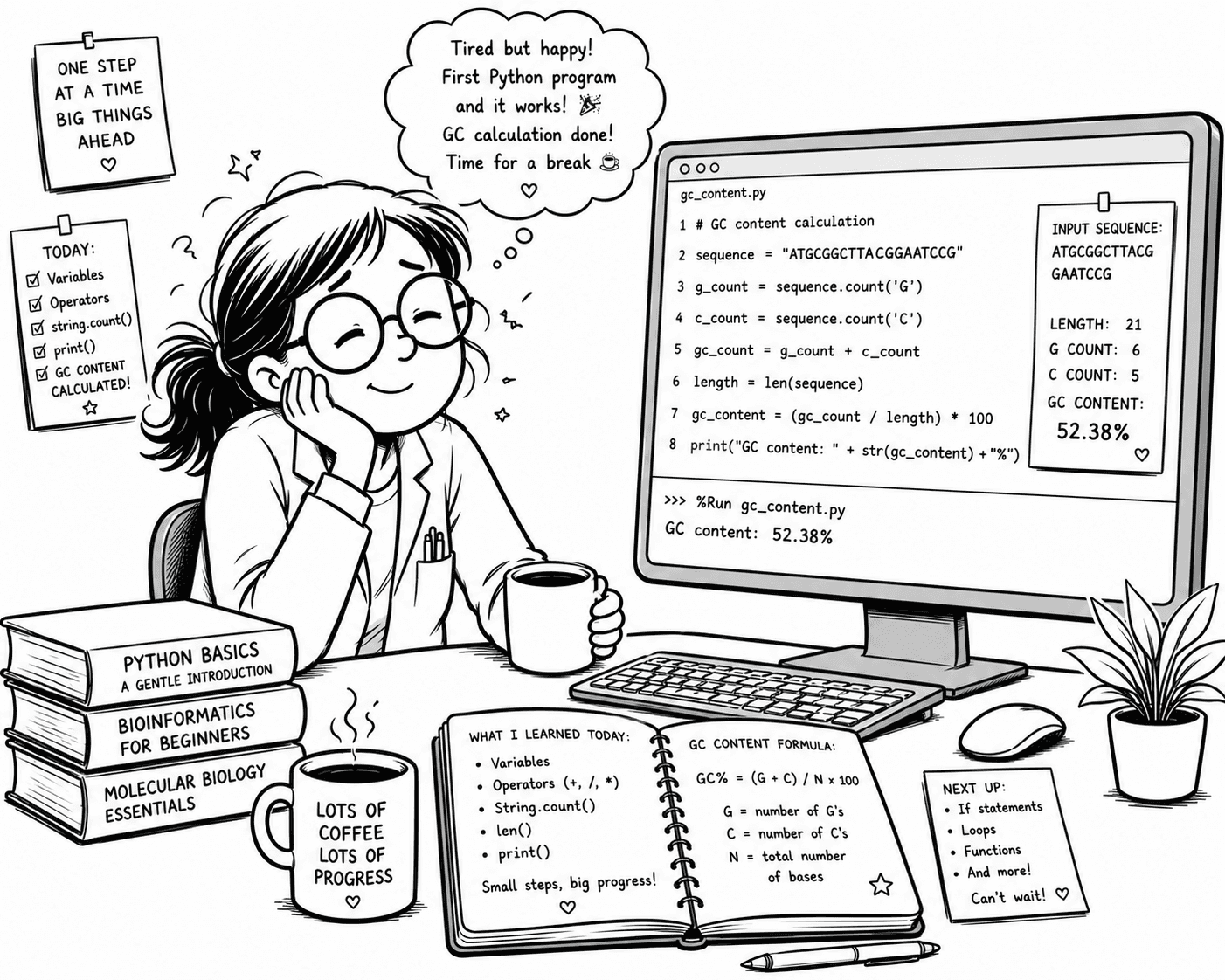
Biology student smiling at her finished GC content program β€” checklist of today's concepts, the running code, and the GC formula.
Today you learned
  • βœ“Variables & assignment
  • βœ“print() and f-strings
  • βœ“Built-in functions β€” len(), round(), type()
  • βœ“Reading errors β€” NameError, SyntaxError, TypeError
  • βœ“Four data types β€” str, int, float, bool
  • βœ“Arithmetic β€” +, -, *, /
  • βœ“.count() β€” your first string method
  • βœ“A working GC content calculator

One step at a time β€” and you've already written a real bioinformatics program. Take a break, grab a coffee. β˜•

What's Next

Lecture 2 β€” from one sequence to many

Today you analysed one sequence. But Claudia has a whole folder of them β€” first we need a way to hold many at once, and to look inside each one.

  • β–ΈLists β€” hold a whole folder of sequences at once
  • β–ΈStrings are sequences too β€” indexing & slicing to pull out codons
  • β–ΈMore string methods β€” .replace() (transcription), .find()
  • β–ΈDictionaries β€” map each codon to its amino acid
Before your workshop next week

πŸ’ͺ Coding is a muscle β€” it grows by use. Half an hour of practice between sessions is worth more than re-watching the lecture.

  • β†’Review the Lecture 1 slides
  • β†’Play around with today’s code exercises
  • β†’Try the GC calculator on a sequence of your choice
  • β†’Complete the practice quiz on Canvas

See you next week!

Python for Biologists